Use the Finance page to easily create a list of transactions and registrations received. This can help with credit card settlements, as well as a way to see all transactions (including offline ones: cash and check).
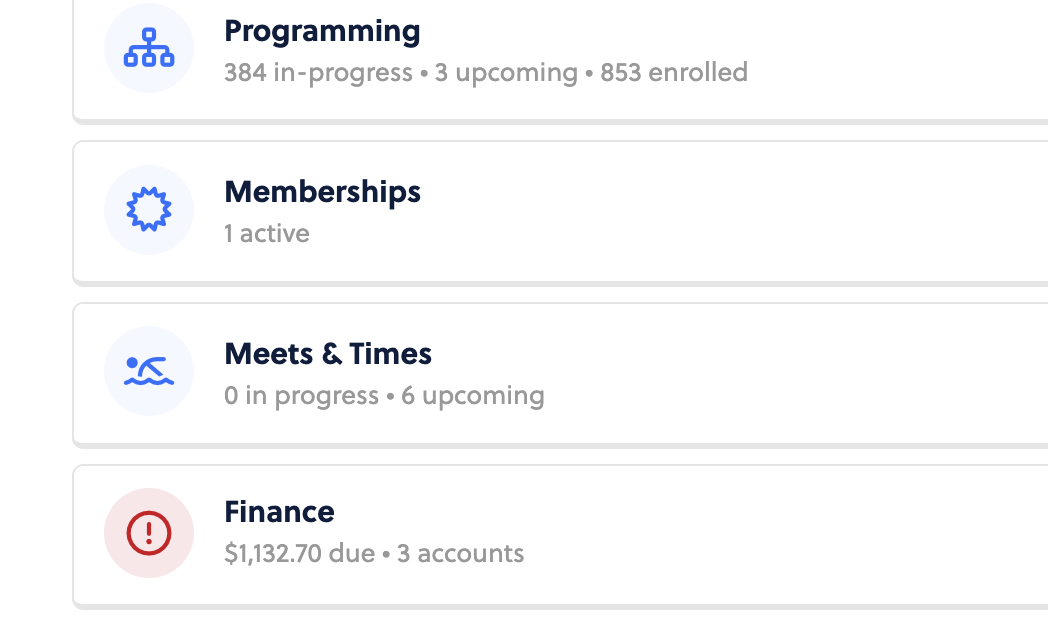
To get to the Finance page, head to your Home screen in Captyn. Finance will be the bottom option to choose.
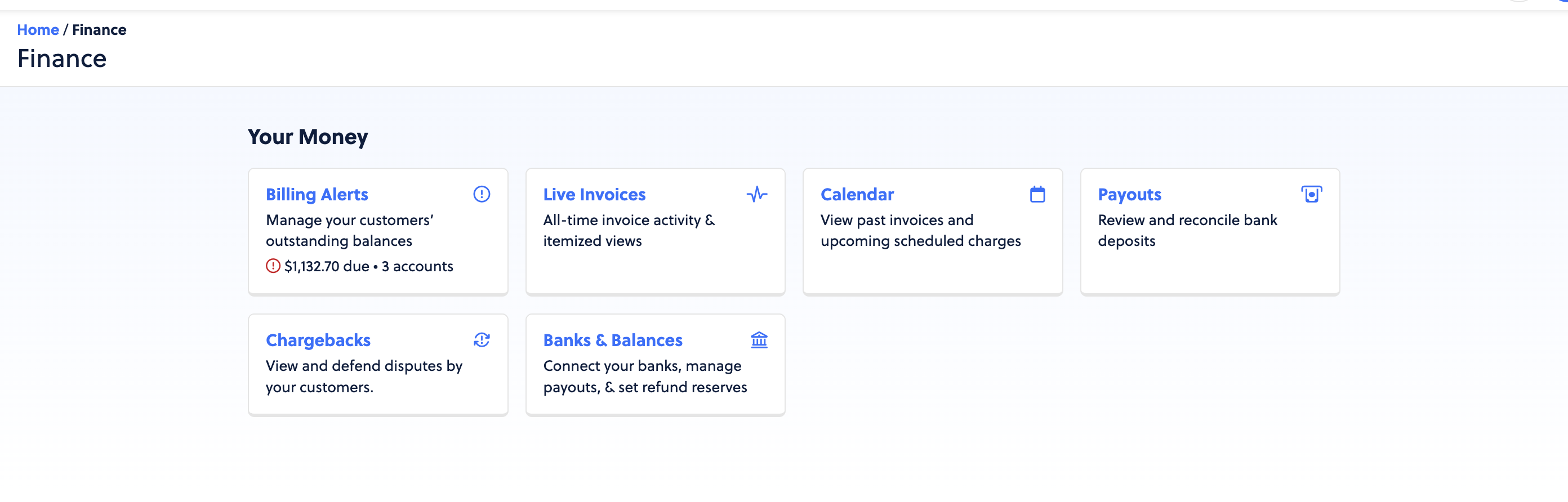
Here you will see all actions you can take on the Finance page.
You can view your Billing Alerts and manage your Customers’ outstanding balances.
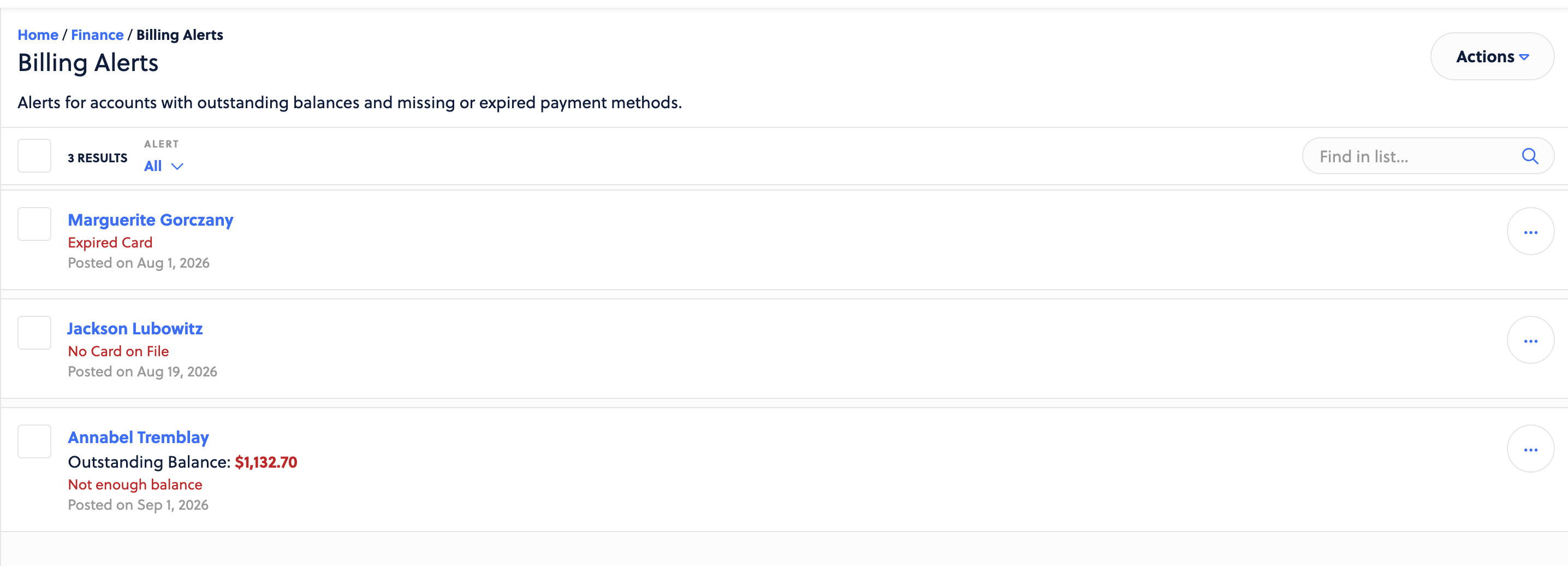
Take action on these by sending a bulk message to all, re-sending the missed payment notification, and view the customer account.
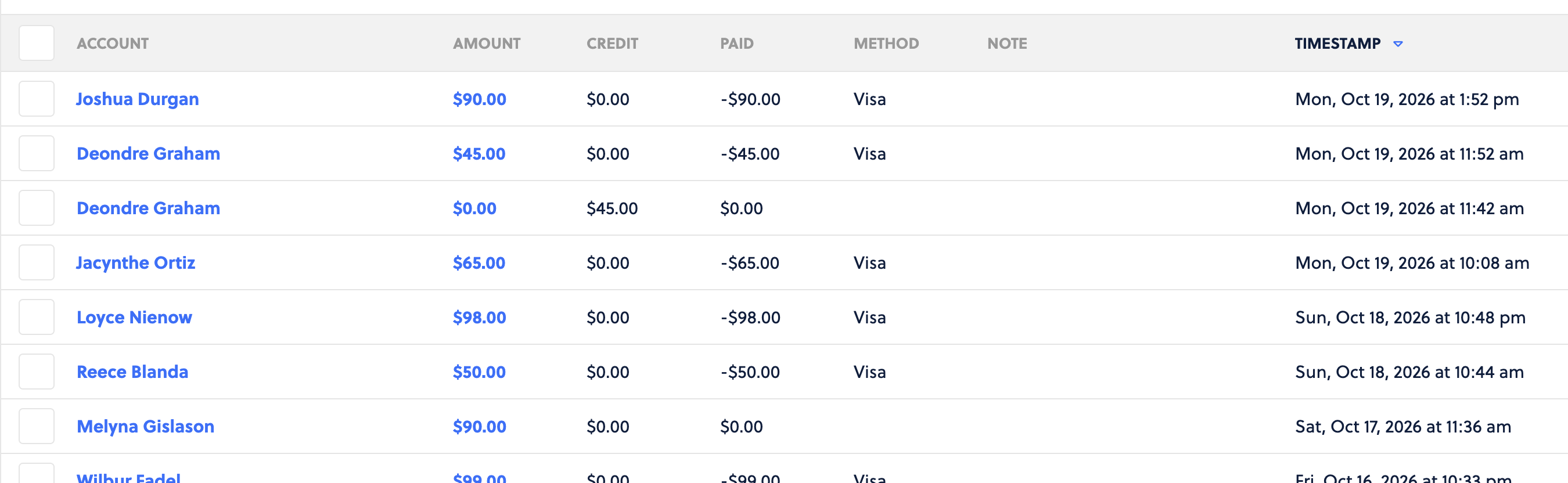
Here is where you will go to find your Invoices and Itemized reporting to get into the nitty gritty of your transactions. Use these reports to see various details about the transactions, the fees, the line items, coupon usage, credits, and more. Use the Actions dropdown to create CSVs of this data.
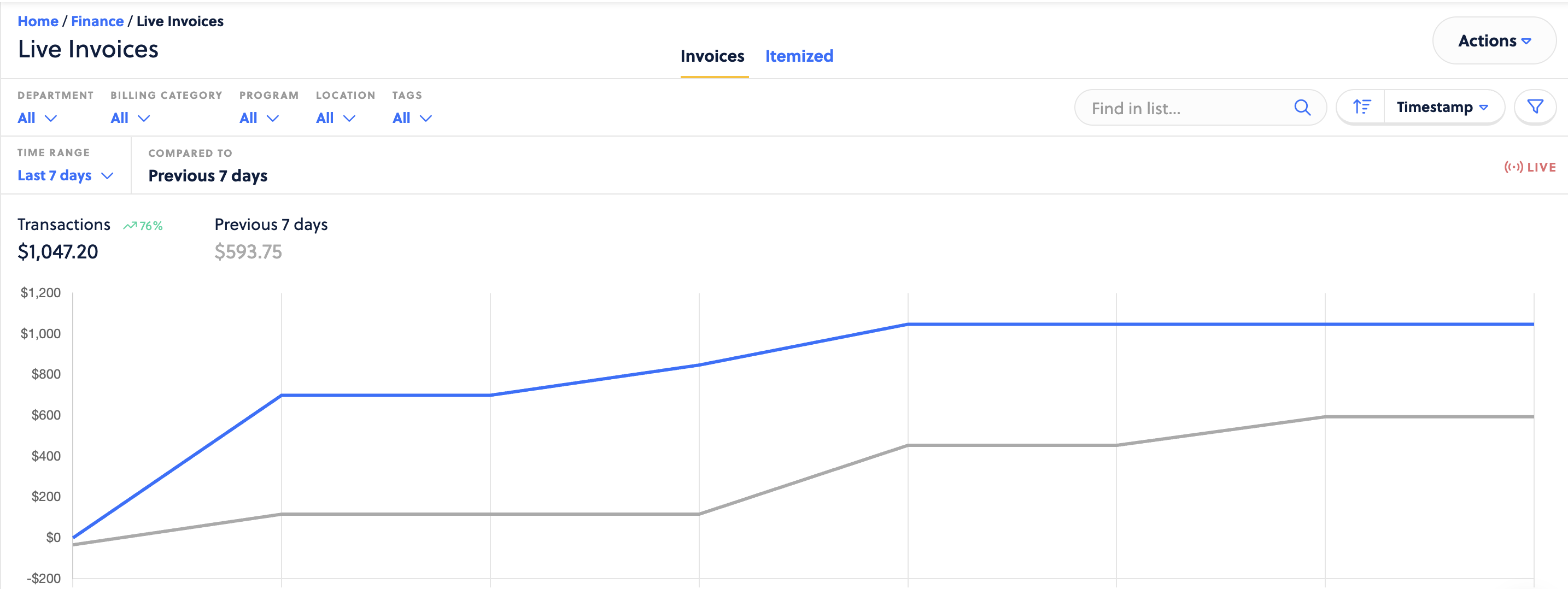
Scrolling past the chart at the top will provide a live view of your transactions.
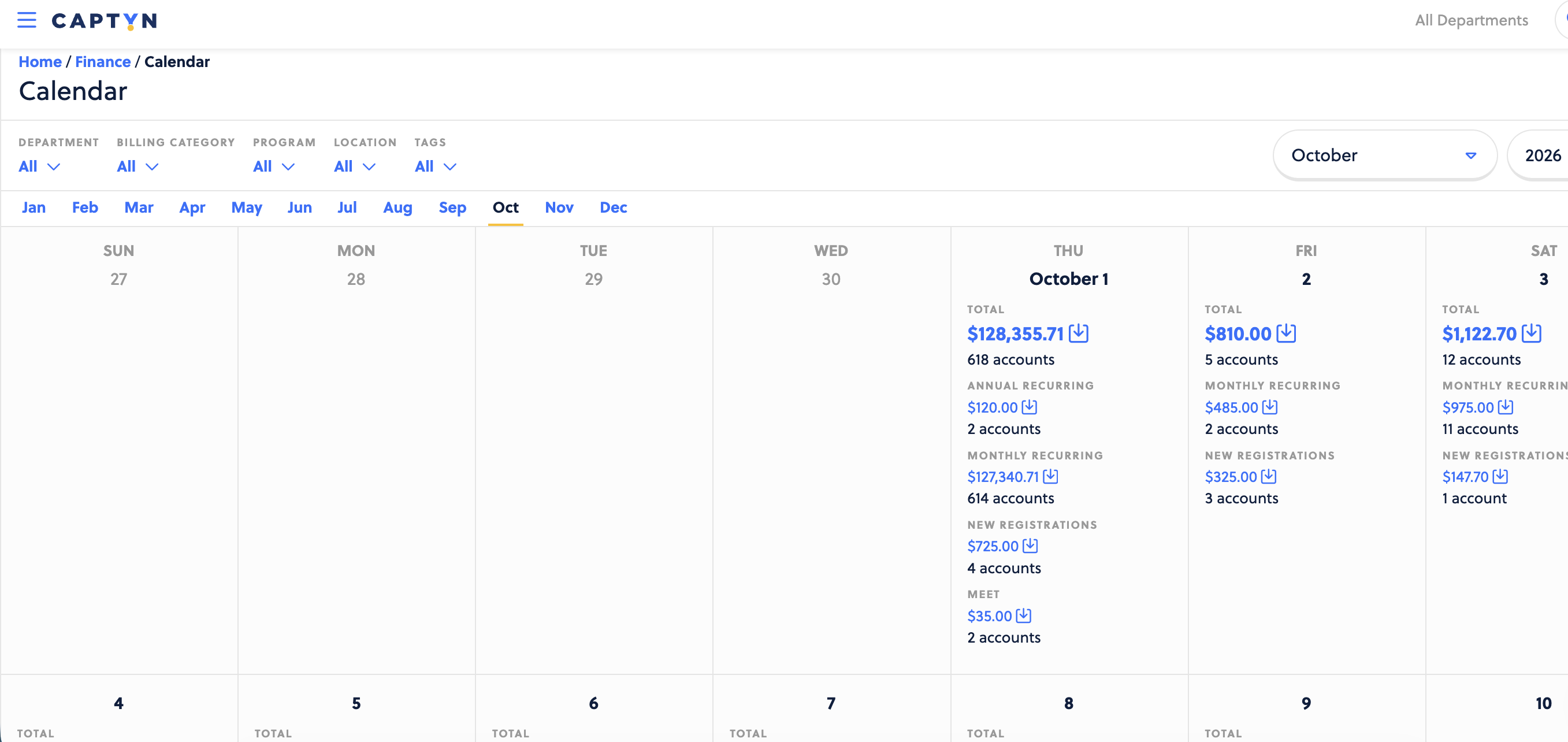
Use the Calendar view to look ahead and see projected money coming your way. This is great for first of the month planning or any other bulk charges you have set to run on a particular date. You can easily filter to different months and years for this as well for historical purposes
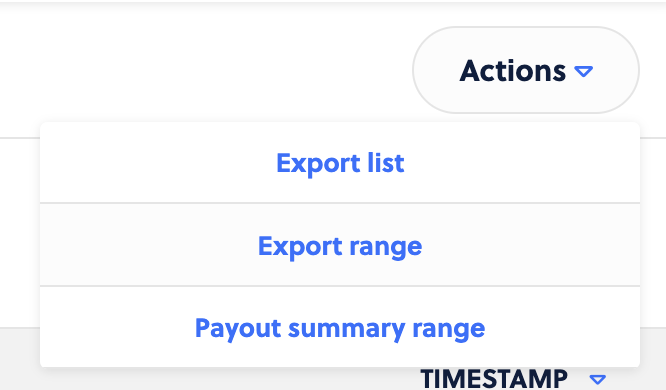
This is the list of reports that show a breakdown of funds being paid to your organization, broken down by the payments received. Easily navigate to a particular payout date on the left had column to see the details and use the Actions menu to export.
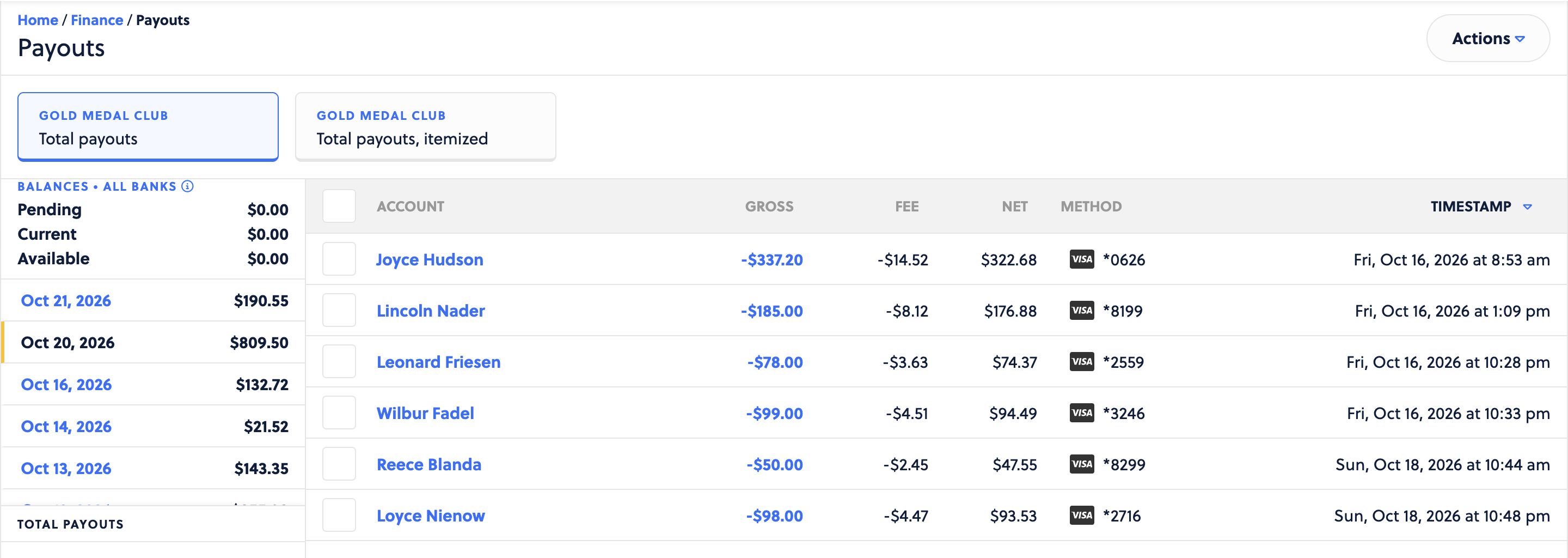
You can also use the actions menu to export out a range of Payout reports as well if needed.
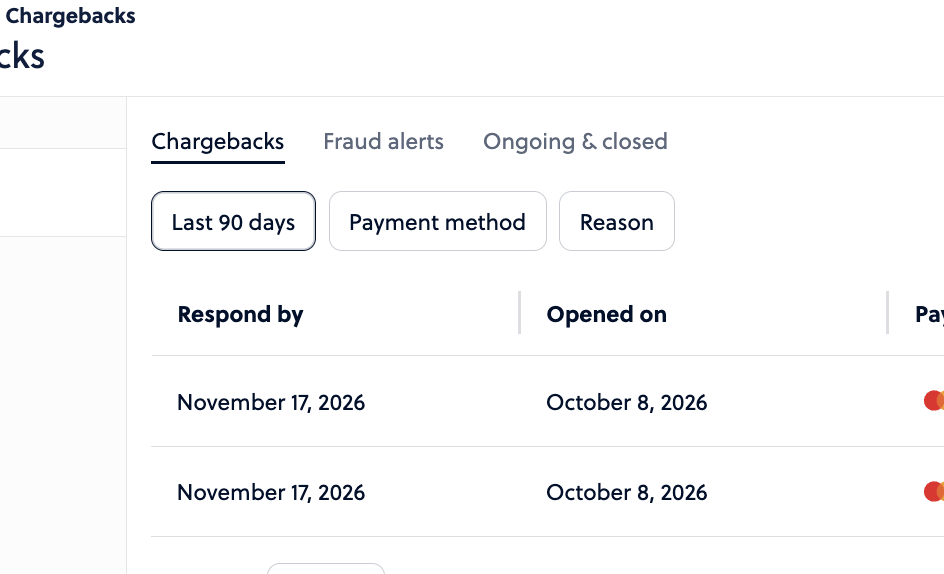
This is a list of all disputed transactions your customers have made against the transactions run by your organization. Here you will find the details of the chargeback as well as options to respond to the dispute and try to earn your money back.
Of note, ACH transactions that get disputed are final and cannot be responded to.
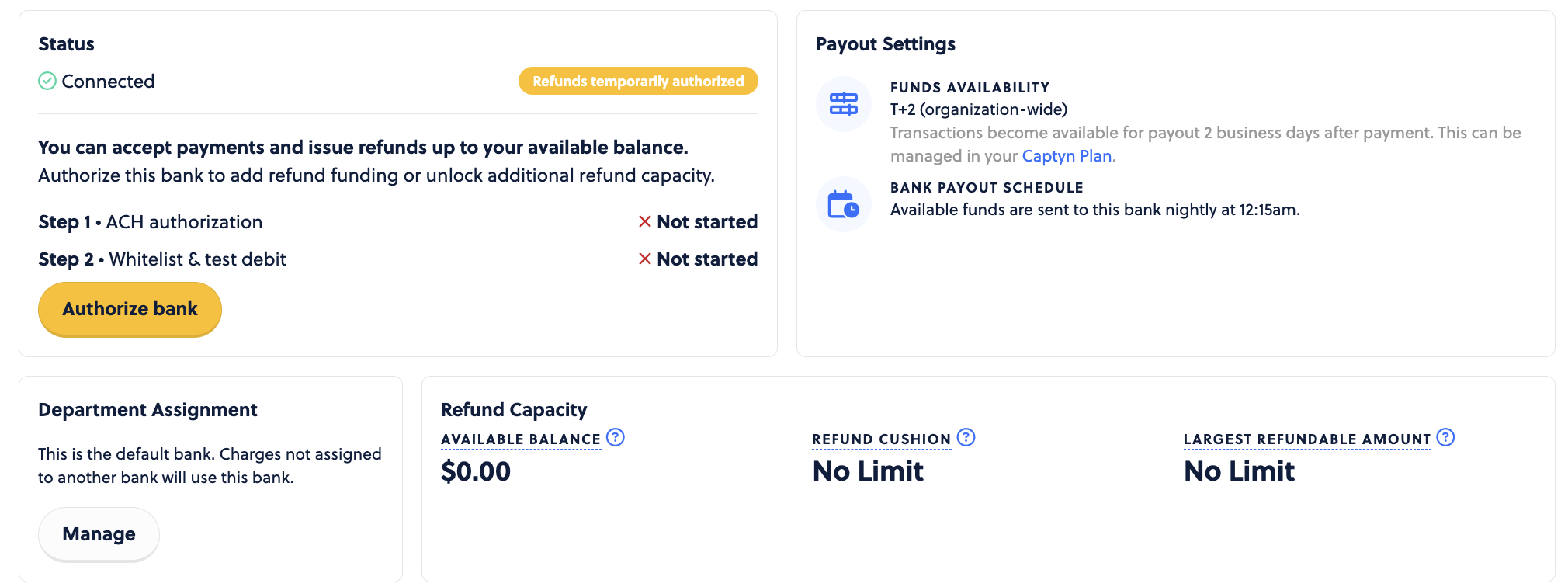
This is the place to connect your bank accounts, manage those accounts for payment, authorize banks, and more. This is going to be setup early in your Captyn experience.