Overview
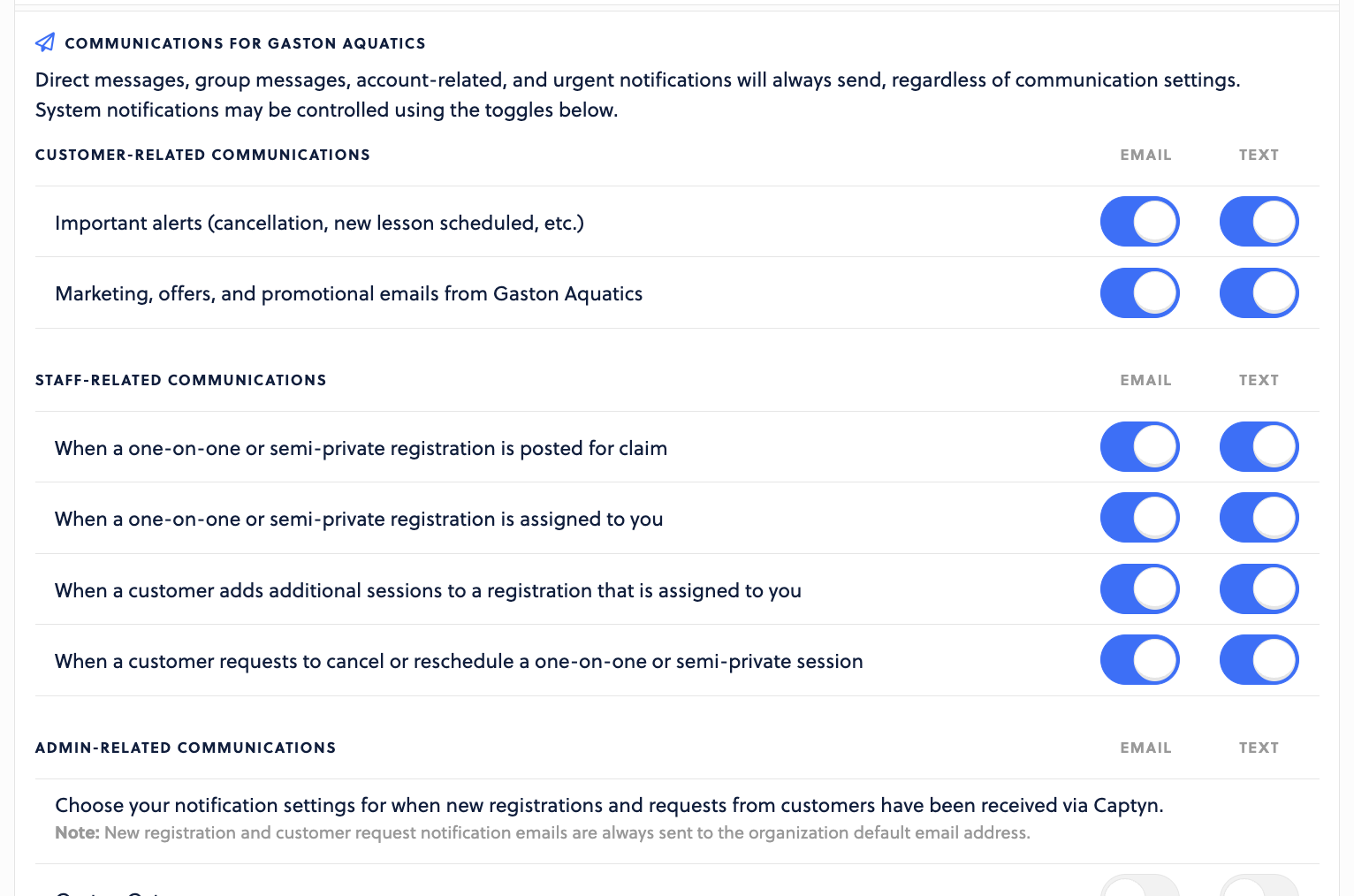
Setup notifications to alert team members via email or text of important happenings within Captyn.
How to Enable
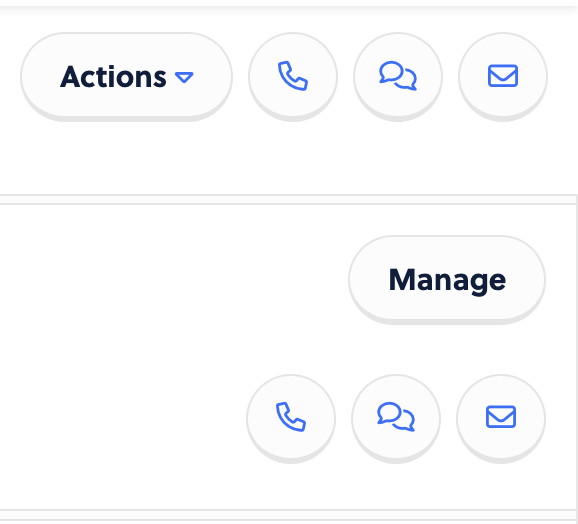
To set registration notifications, head to the profile(s) of the team members you wish to enable this for. First, start at their Overview, and then choose Manage on the right-hand side of the screen:
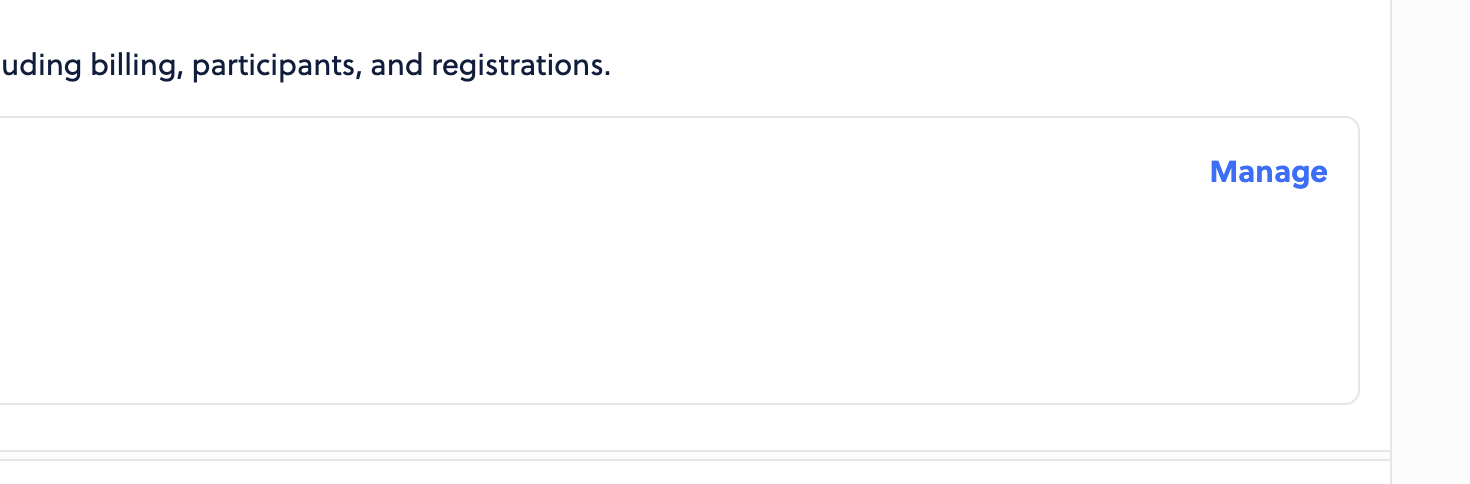
Then choose Manage again:
On this page, scroll down and you can enable the notifications you wish to receive. If you have Departments setup, you can even elect for department-specific notifications in the bottom section.