Overview
Use these options to control how your offerings are displayed both internally to your system administrators as well as to your public for signing up.
How To
Your groups are controlled by their Program name by default. You have a couple of ways to reorder. The best way is to use the filter found in the upper right hand portion of the Programming page.
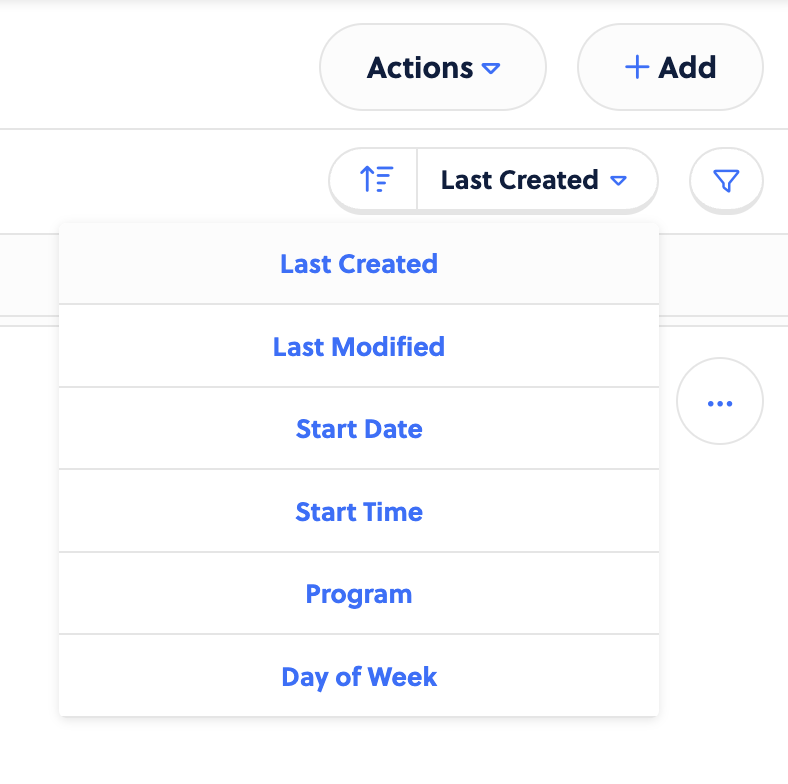
This changes how the programs are displayed. You can choose the option you’d like here and then click on the arrow to sort either ascending or descending.
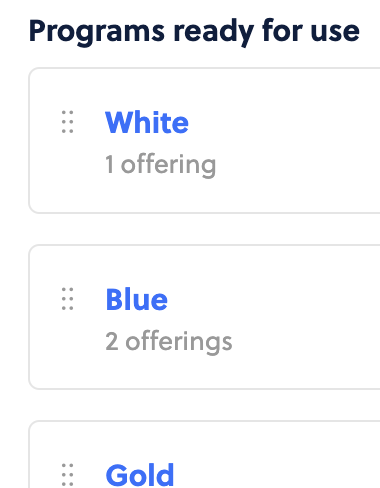
You can also rearrange the order of their display in filters by going to Settings > Programs. Click the dots to the left of the name and then click and drag to reorder how they appear.