Overview
You can easily delete an account along with all associated profiles in Captyn.
Deleting the Account
To remove a contact, head to the account profile, and click on Manage
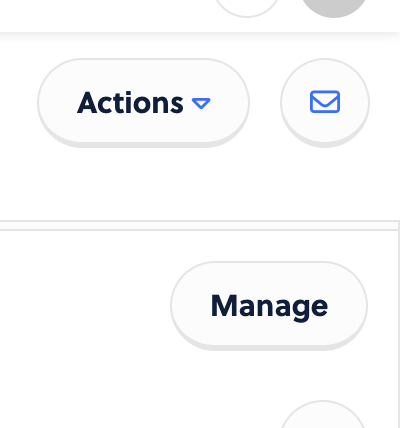
> Manage (again)
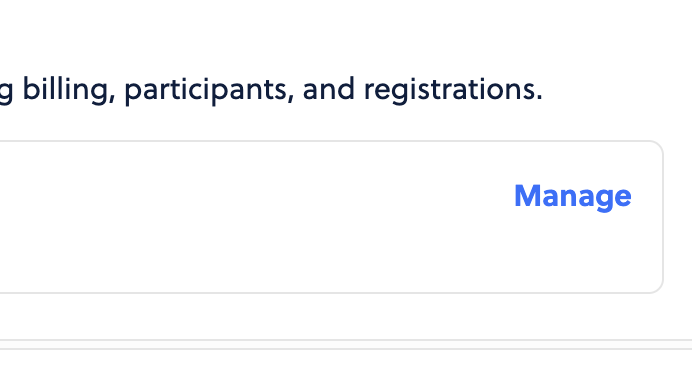
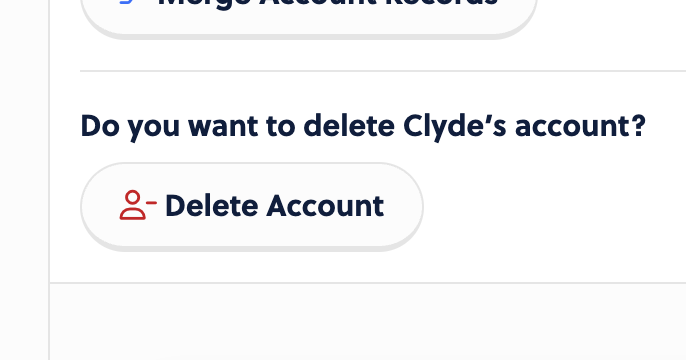
… and from there, you can scroll down and you’ll see an option to delete the profile. If the option is greyed out, that means the account has historical registrations. You can send a note to the Support Team and we can handle the removal for you if that is the case.
Deleting a Profile (participant)
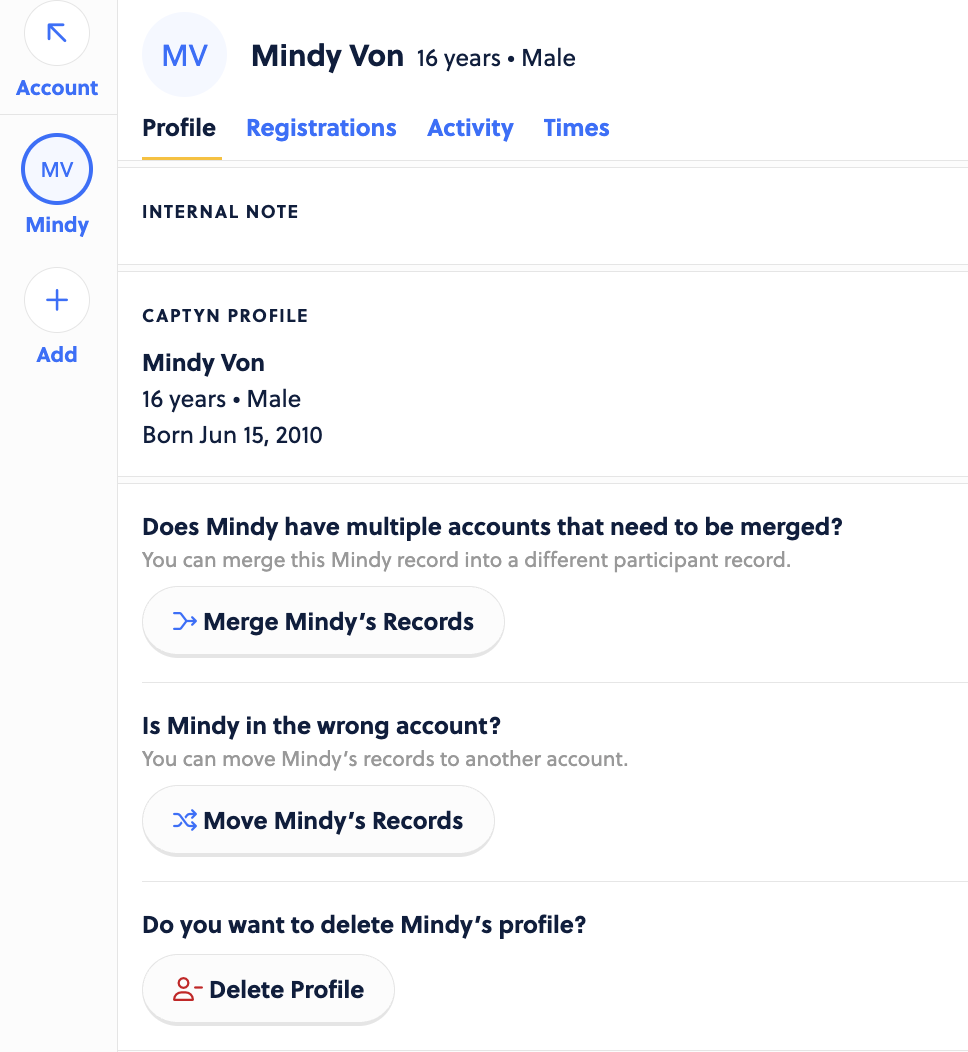
You can do the same and just remove a participant within an account as well. To do this, head to the participant profile and scroll to the bottom to find the option to delete.