
Overview
Captyn is revolutionizing the swim team world, and we offer an incredibly intuitive solution for creating and adding your own time standards. Easily create these, share as you’d like with just your team or with any team, and make edits easily as things change.
Getting Started
To add your own standards, start on the Meets & Times page and select Standards from the tool bar along the top.
Creating Standards
Choose Add in the top right corner to get started:
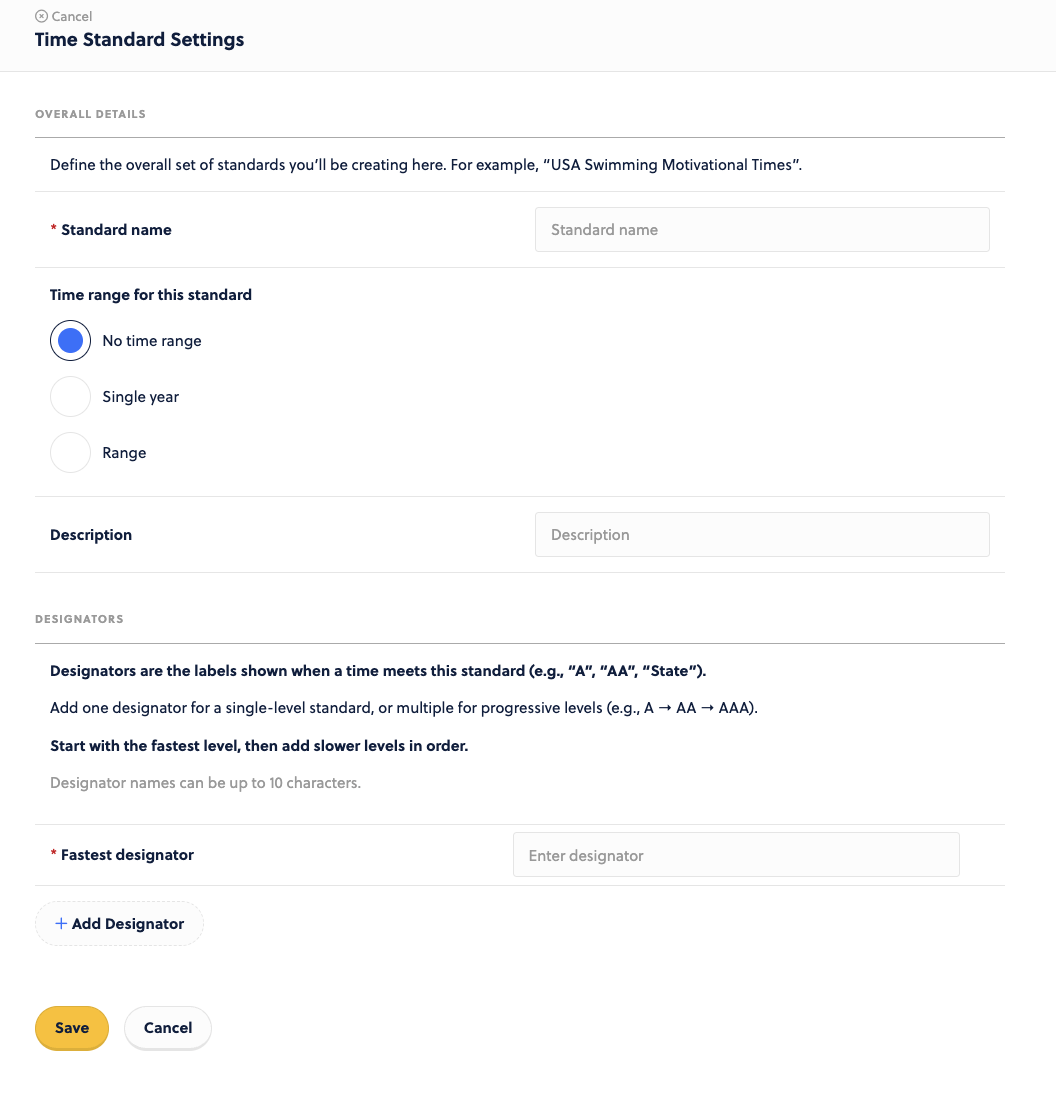
Give it a title, set the time range for this (if needed), and add the Designations.
Be sure to indicate which Designator is the fastest for comparison purposes.
Adding the Details
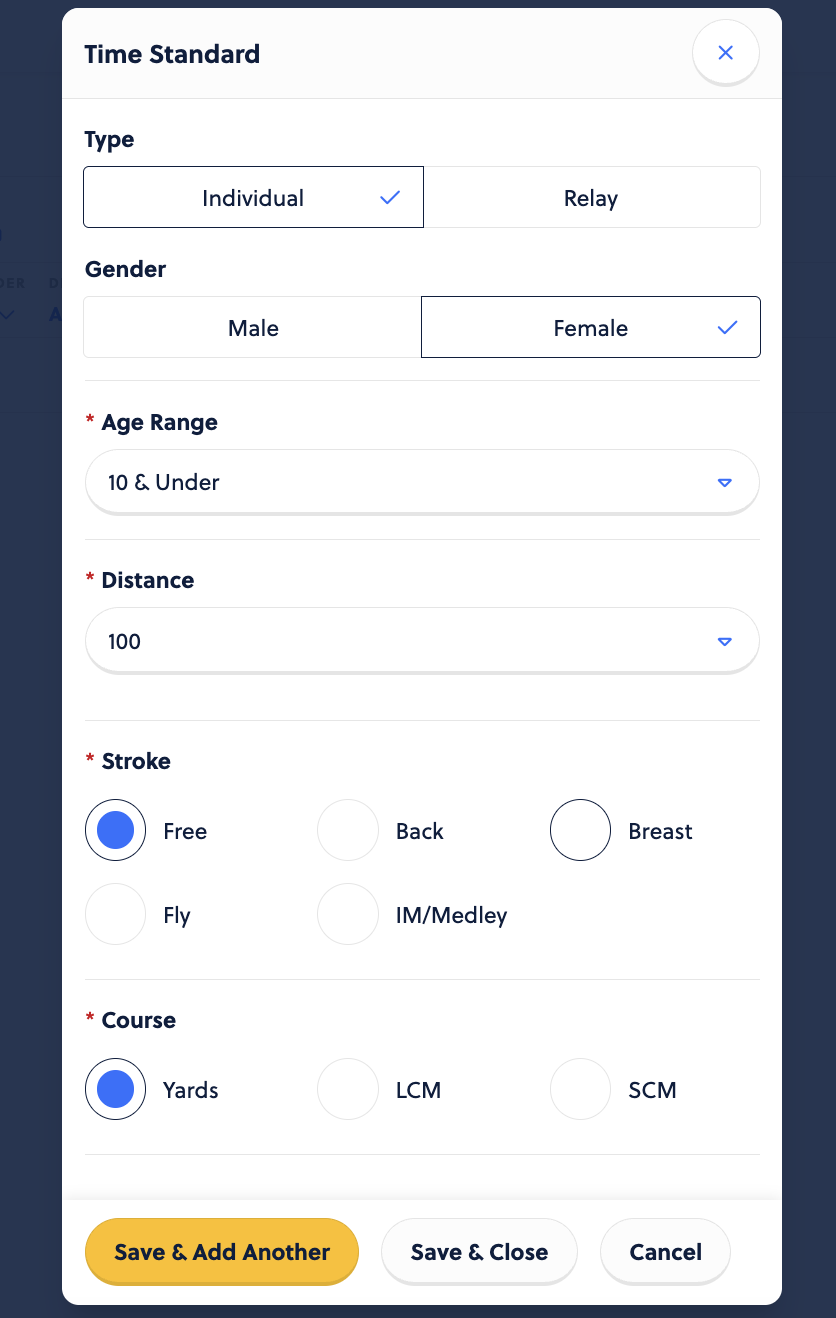
Once these settings have been configured, click the + Add event option on the right side of the page.

Set the event details. Save & add another or save & close if finished.
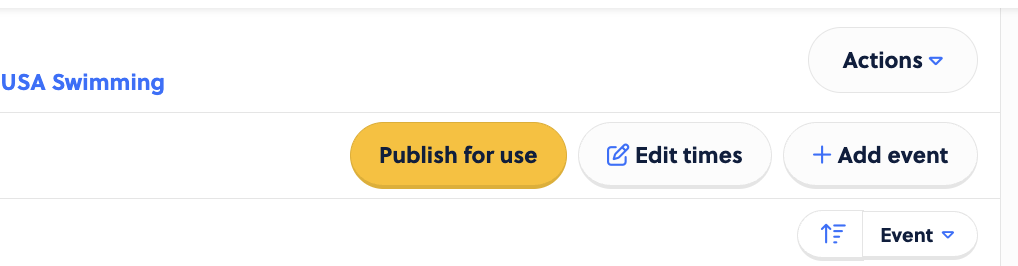
Next, select Edit Times in the top right corner to add times in.
Enter in the times. Your fastest designator will be on the far left and will automatically populate when you enter in the times to the right.

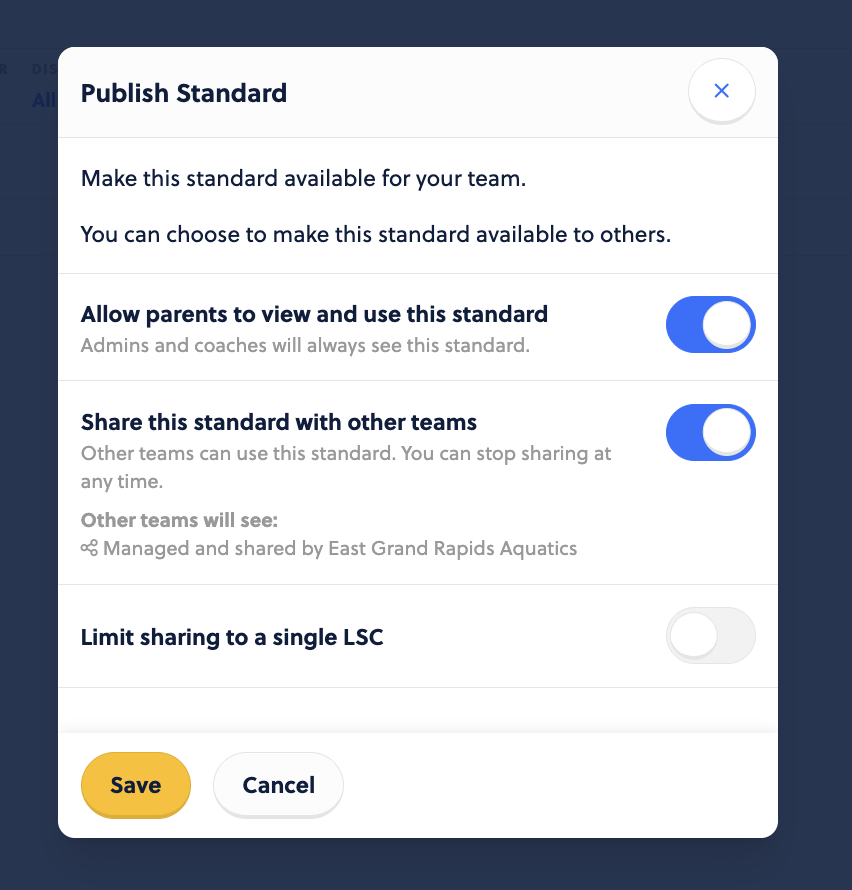
Once done with your times, select the gold Publish for use button and configure how it is displayed.
What’s great about this setup is you are in control of the times, and if there is an error made or a new time needed, you can easily update the times using the Edit Times option found in the top right.