If you have a file with lots of standards, this might not be the desired method. But, if the amount of entries on the standards file is relatively small, you might prefer this method. Here’s what you can do.
Head to the Standards tab on the Meets & Times page, and choose the + Add in the top right corner.

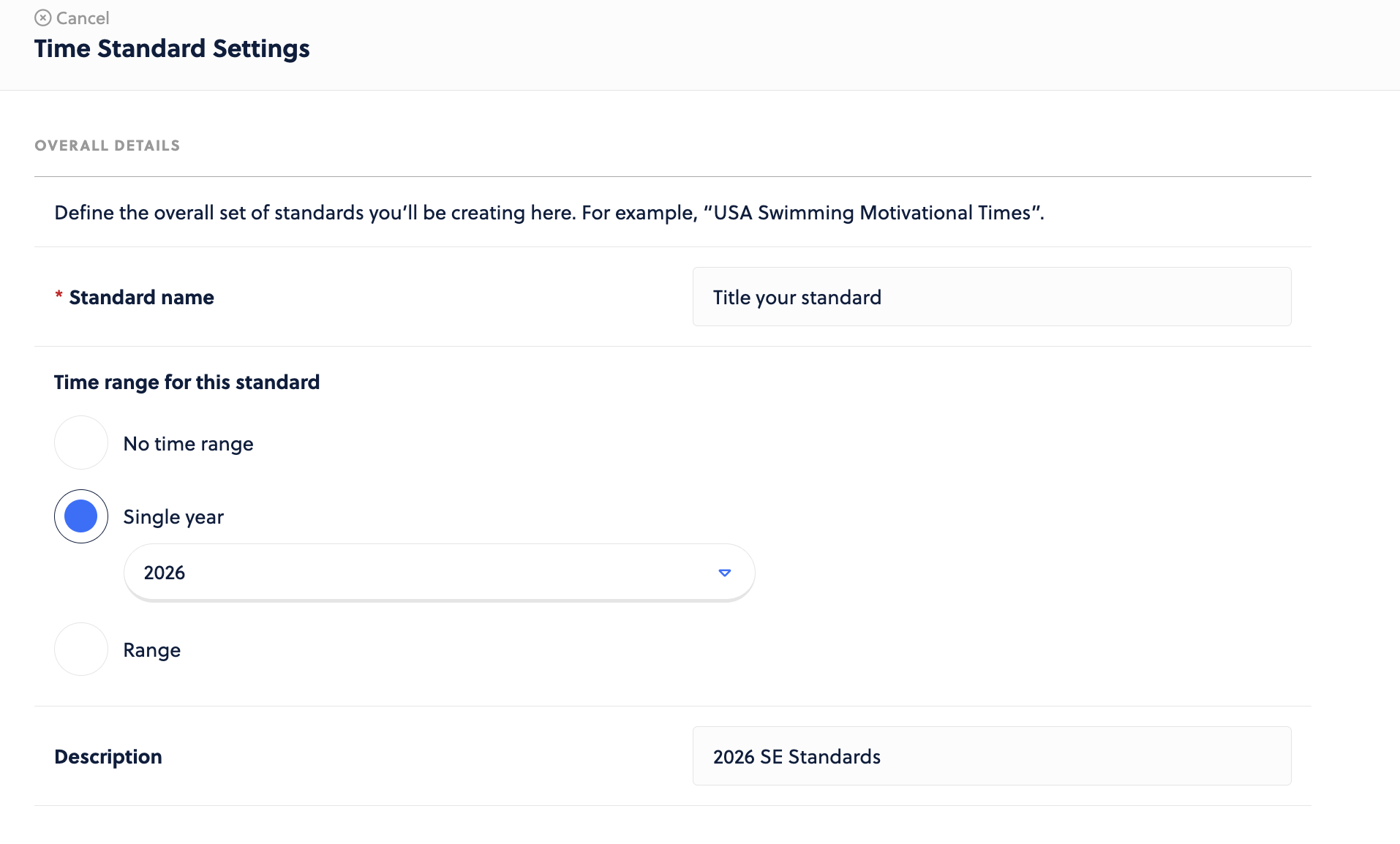
Set a Standard name, set a time range, and enter a description. These will be helpful for identifying these standards when viewing Times in Captyn.
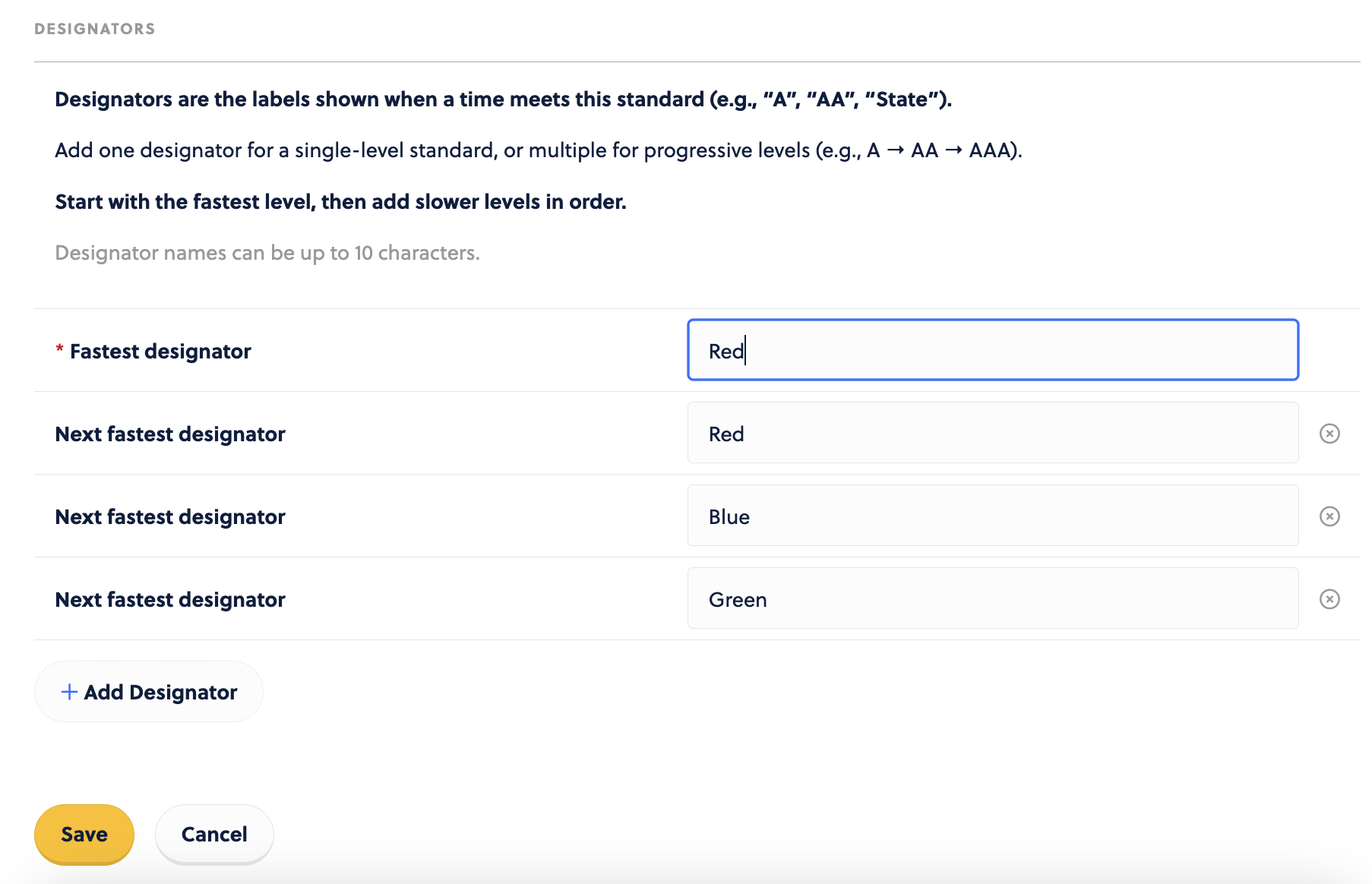
Set your Designators and identify you fastest one.
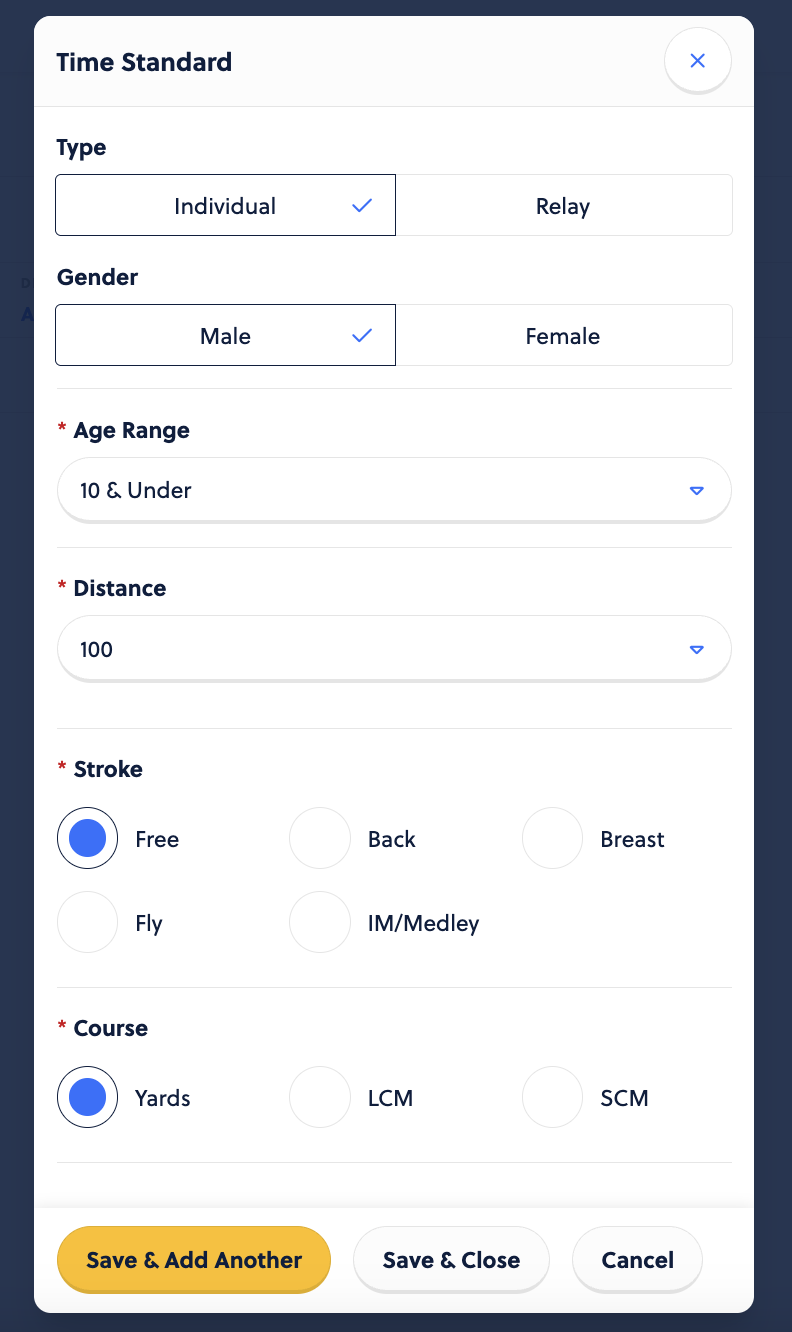
Next up, from the root page, you want to + Add event.

Enter the details needed into the modal: Type, Gender, Age, Distance, Stroke, and Course.
Head back to the root page, and choose to Edit times.

Enter the times, and Save it in the lower left hand corner.

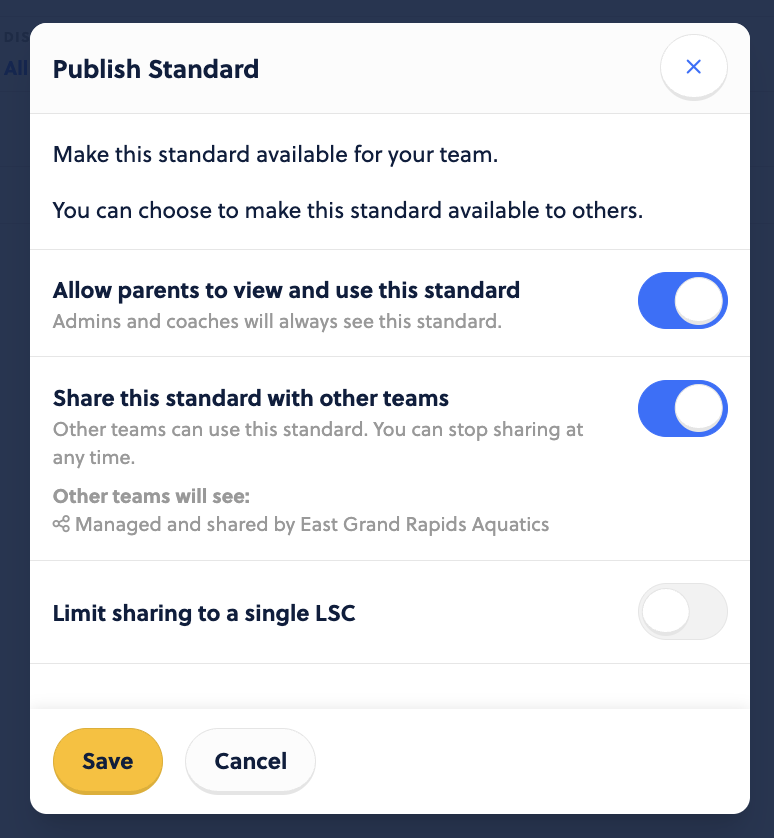
When you like what you see, choose the Publish for use icon and it can be used for Standard within your Captyn account.