
Overview
Connect accounts by using the Linked Accounts function found from an account profile. This is an ideal function if you wish to allow two separate accounts to share ownership of a singular participant, managing enrollments, declarations, and more.
How to Link
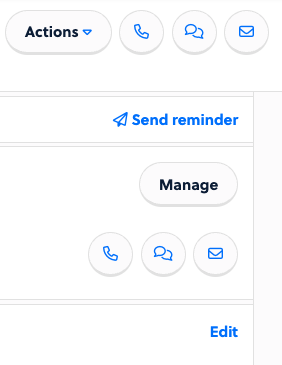
Start on the account profile of the primary account (this will be the one paying the registration dues). Click on Manage from the right side of the profile.
Here you will see the option to + Add Linked Account. Choose this.

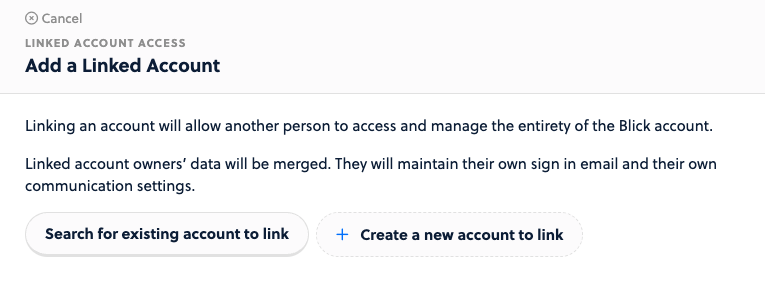
Choose the option to Search for an existing account to link and find the account to link.
You will get a confirmation of this link along with a description of what it entails.
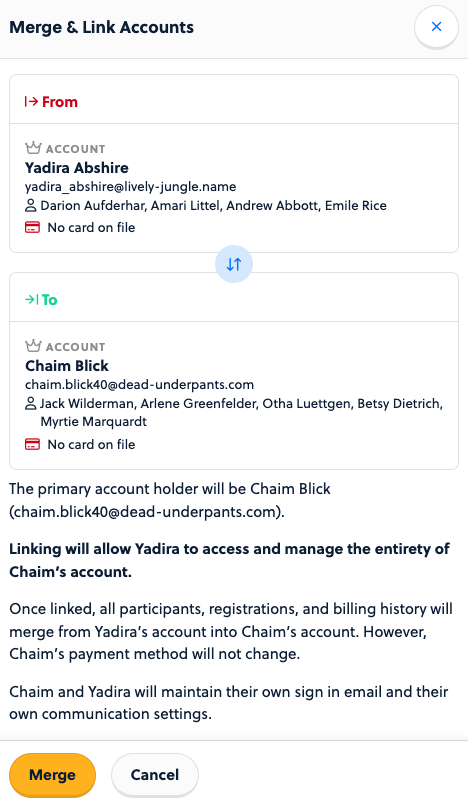
In the event of linking accounts, the primary account holder will be the profile the process originated from. Make this your paying account owner.
Linking will allow the secondary contact to access and manage the entirety of the primary contact’s account.
Once linked, all participants, registrations, and billing history will merge from the linked account into the primary account. However, the payment method already established on the primary account will not change.
Each account will maintain their own sign in email and their own communication settings.